
Key takeaways
- At an industrial exhibition, buyers ask for special specifications, samples and configurations, and these details are easy to lose in the rush.
- A visiting card says who the buyer is, not what they wanted.
- With Potlee Expo, the card, discussion notes, photos and voice notes are kept together on the customer's inquiry.
Are you taking your products to an industrial exhibition? Buyers will come to your stand for real technical discussions.
One needs a special specification. Another wants a sample. A third asks for a different product configuration. Each of those details is the whole reason the buyer may order.
In the rush of the exhibition, where will these details be recorded? And later, will anyone remember every small point exactly?
Watch: Remember every buyer requirement. (39 s, Hinglish with captions)
What are buyer requirements at a trade show?
Definition: Buyer requirements are the specific needs a visitor shares at your stand, such as a specification, quantity, configuration, sample or delivery date, that your offer must match to win the order.
The problem: the card survives, the requirement doesn't
A visiting card tells you who the buyer is. It does not tell you what they wanted. That part lives in a hurried line in a diary, or in the salesperson's head.
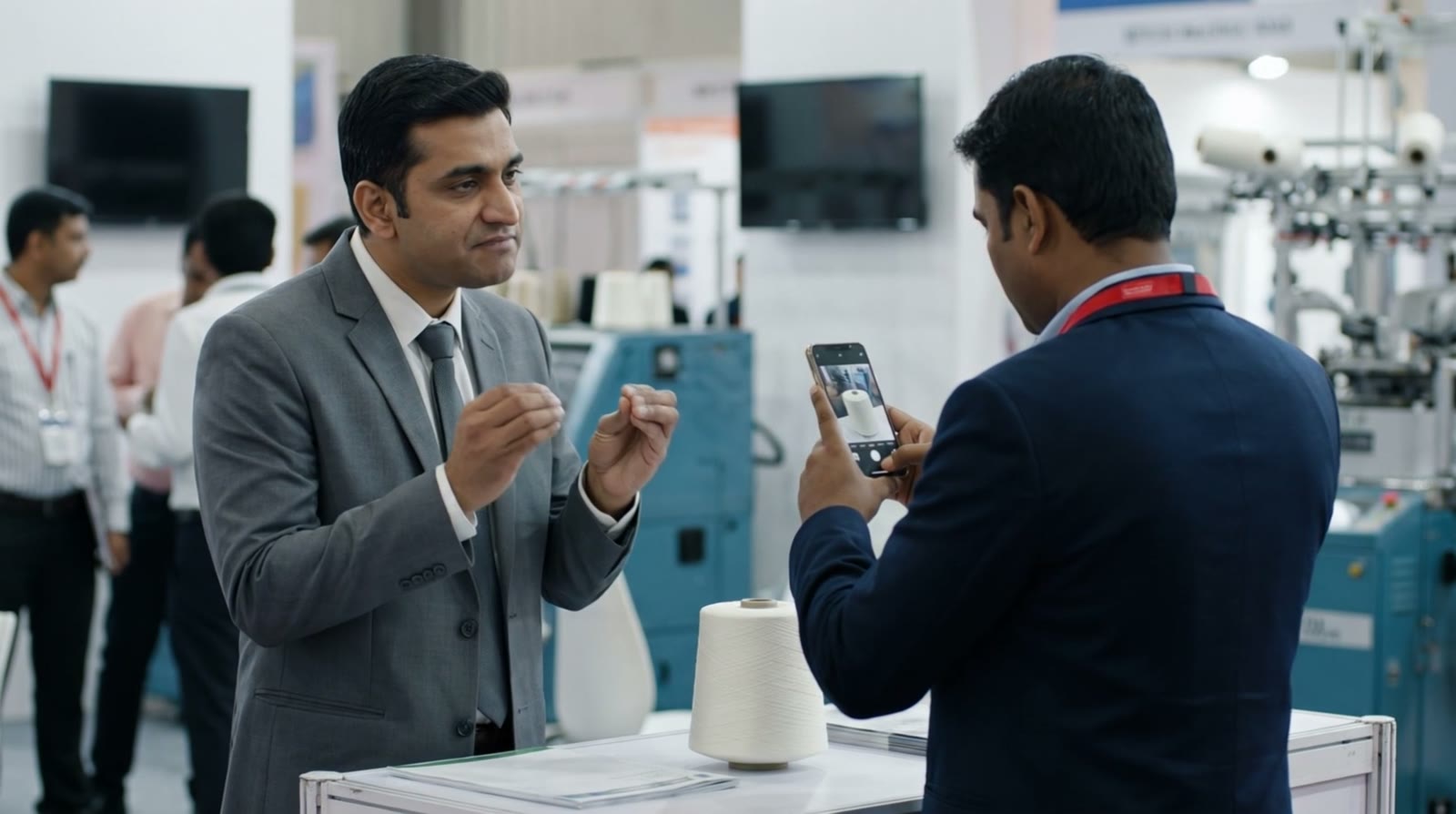
The technical discussion is where the order is won or lost.
A week after the show, someone picks up the card and tries to remember: was it 24 spindles or 42? Delivery before March or after? Did they want the quotation in dollars? The detail that would have won the order is the one that was never written down.
Why forgotten details cost orders
- Generic follow-up. Without the requirement, the follow-up is a standard brochure instead of the offer the buyer asked for.
- Wrong offers. A half-remembered specification produces a quotation that doesn't match.
- Lost trust. Buyers notice when a supplier has forgotten the conversation.
The solution: keep every detail with the inquiry, with Potlee Expo
With Potlee Expo, the requirement travels with the visiting card. The salesperson sends it on WhatsApp in the way that is quickest at that moment:
- Visiting card: a photo; the printed details and handwriting are read separately.
- Discussion notes: type them, or photograph the diary page.
- Photos: the sample, the machine, the drawing the buyer showed.
- Voice notes: say the requirement while it is fresh. Potlee Expo turns it into text.
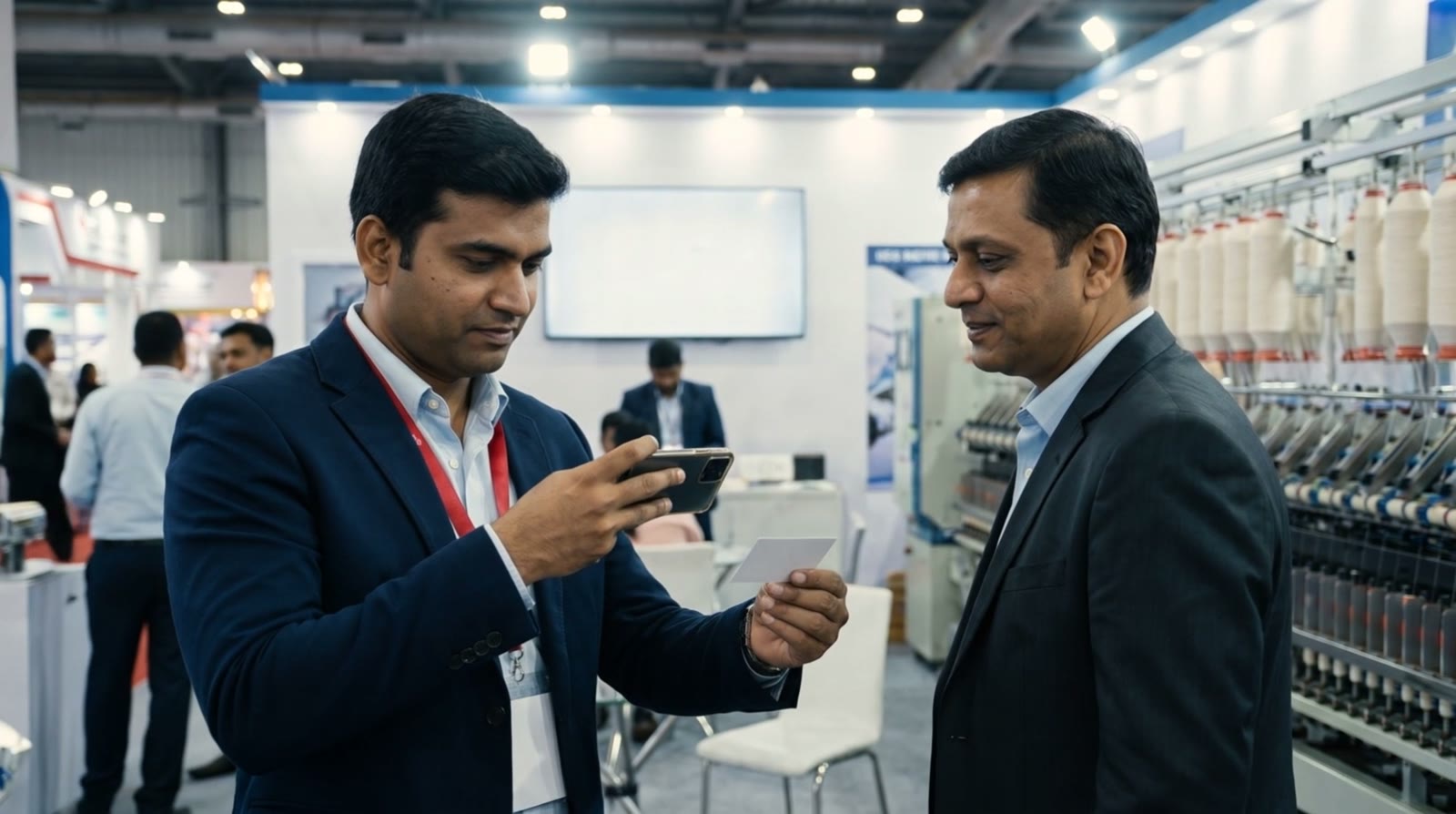
Send the card and the requirement while the buyer is still there.
All of it is organised under that customer's inquiry. Open the customer and the requirement is right there, in the enquiry note, with the card, photo, voice and note beside it, and the next step agreed at the stand.
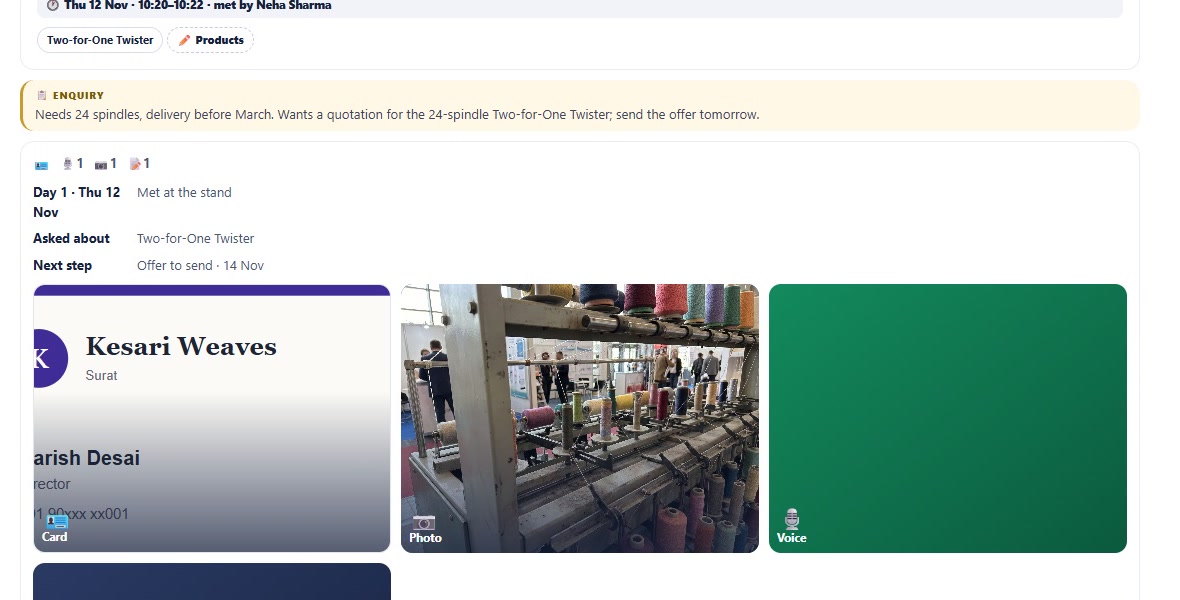
The buyer's requirement, card, photo and voice note together. Example screens with invented data.
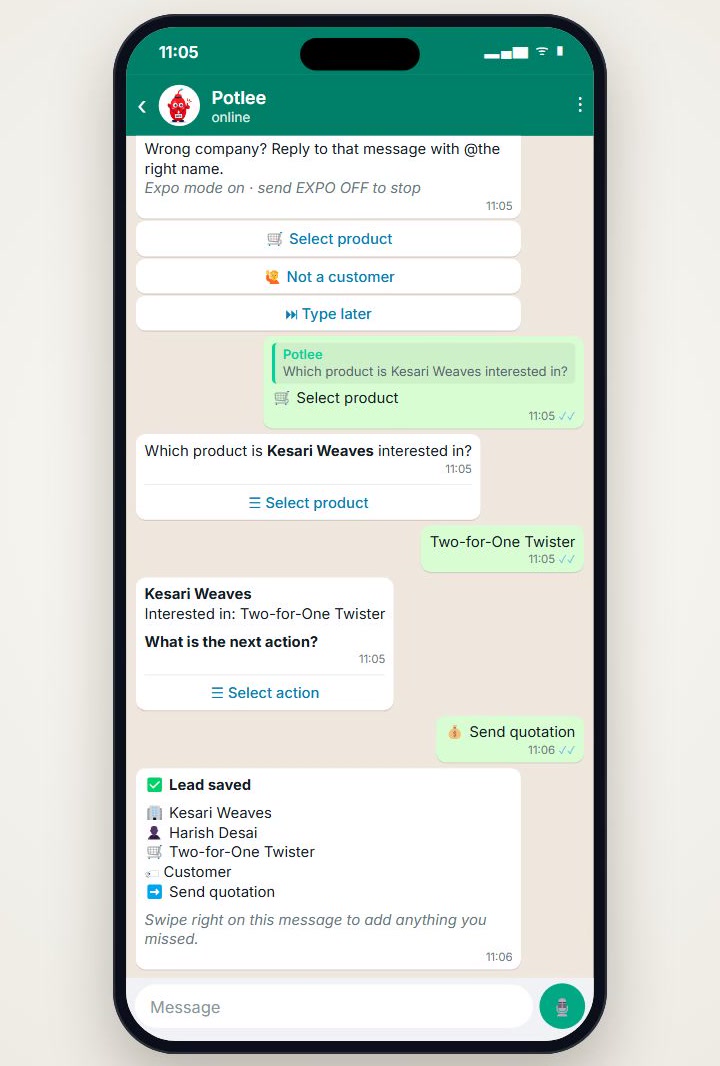
Product and next step fixed at the stand. Example screens with invented data.
A simple rule for the stand team
Give the team one habit: before the buyer leaves, send the card and one voice note with what they need. It takes less than a minute, and the follow-up will be about the buyer's actual requirement.
Don't leave important buyer discussions to memory.
Without and with Potlee Expo
| Detail | Left to memory | With Potlee Expo |
|---|---|---|
| Special specification | Half-remembered a week later | In the enquiry note |
| Sample request | Lost in a diary | Next step: sample to send |
| Drawing or photo | On someone's phone | On the buyer's record |
| Spoken details | Forgotten | Voice note, turned into text |
Checklist before your next exhibition
- Card sent before the buyer leaves
- Requirement recorded as a note, diary photo or voice note
- Photos of the sample, machine or drawing added
- Next step agreed with the buyer and recorded
The 6 exhibition problems series
Each problem has its own short Potlee Expo video and article:
- 6 exhibition problems every exhibitor faces, and one solution
- 1. Scattered information: cards, diaries, phones and memory
- 2. Days of data entry after the show
- 3. No central view of the stand during the show
- 4. Forgotten buyer requirements (this article)
- 5. No analysis: which products and countries asked the most
- 6. Who met which buyer?
New to Potlee Expo? Start with What is Potlee Expo?
How to start
- Send REGISTER EXPO to +91 91068 47981 on WhatsApp.
- Set up the products you are showing, so the team can pick one with a tap.
- At the stand: card, voice note, next step, every time.
Get Potlee Expo Now
Send REGISTER EXPO to +91 91068 47981 on WhatsApp, or tap here to open WhatsApp. More about Potlee Expo for exhibitors: potlee.app/expo.
6 Exhibition Problems. One Solution. Potlee Expo.
Turn Expo Visitors Into Customers.
Be a Smart Exhibitor with Potlee Expo.